Disclaimer: This post contains affiliate links. As an Amazon Associate, I earn from qualifying purchases at no extra cost to you. [Learn More]
One of the biggest surprises in miniature painting is that choosing colors often takes longer than actually painting the miniature.
You sit down knowing you want to paint blue armor, only to discover there are dozens of blues. Which one should be the base color? Which one becomes the highlight? What color should the cloak be? Should the leather be warm brown or cool gray? How do you keep everything from blending into one muddy mess?
These are questions every painter faces, whether they’re painting their very first miniature or their hundredth.
The good news is that choosing colors isn’t some mysterious artistic talent that only a handful of people possess. Like brush control or layering, it’s a skill that improves with practice. Along the way, a few well-designed tools can help you understand why certain color combinations work so well together and inspire ideas you may never have considered on your own.
Before diving into these resources, I also recommend taking a few minutes to learn the fundamentals of color theory for miniature painting. Understanding complementary colors, analogous colors, and value will make every one of these tools even more useful.
Finding Color Inspiration
Sometimes the hardest part of painting is simply deciding where to begin.
Whether you’re painting a Warhammer army, a Dungeons & Dragons character, or a Star Wars legion, inspiration often comes from seeing colors arranged in unexpected ways.
Coolors
Coolors is a powerful tool for generating color palettes. Whether you’re painting a sci-fi squad or a fantasy figure, Coolors lets you:
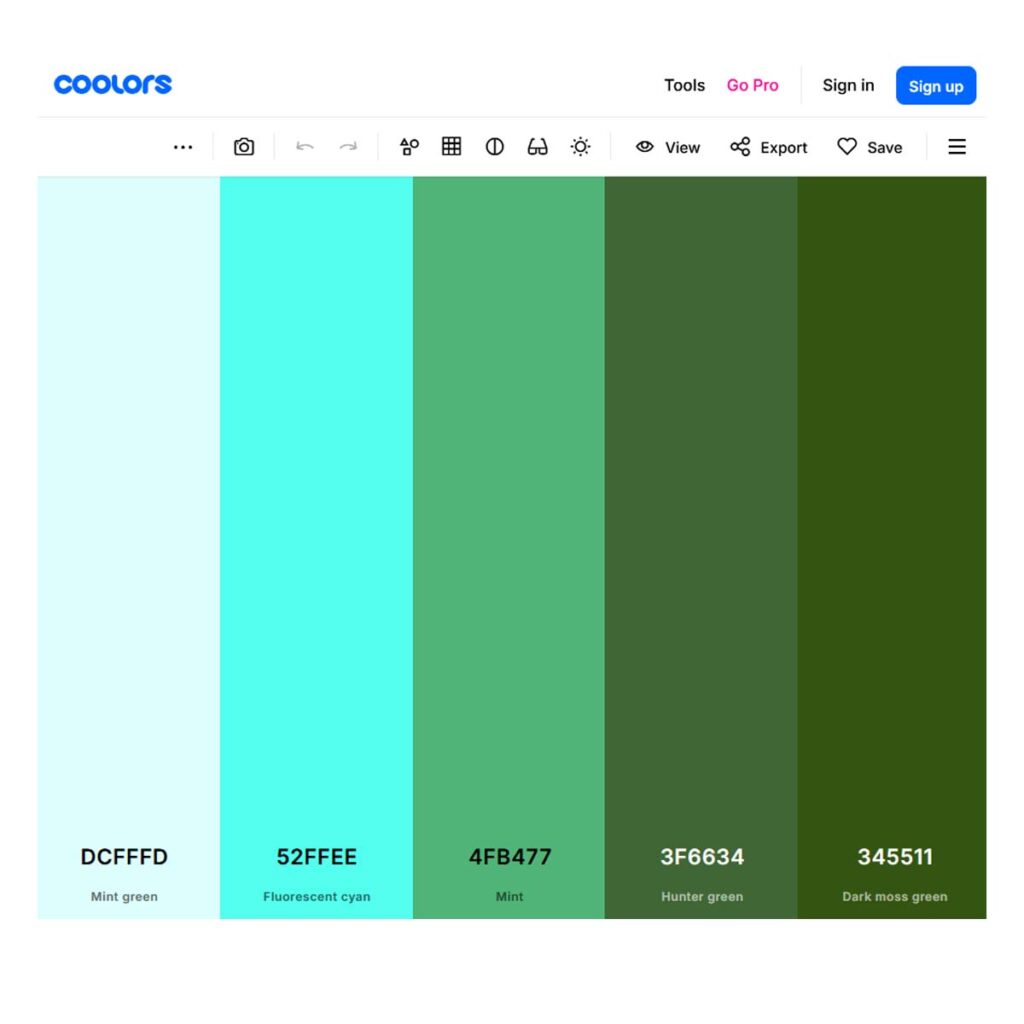
Coolors has become one of my favorite websites whenever I’m looking for fresh ideas.
With a single click it generates complete color palettes that can be endlessly refined. Lock the colors you like, replace the ones you don’t, and gradually build a palette that fits the mood you’re trying to create.
It’s especially useful when you know the general feeling you’re after—perhaps a cold winter army or a warm desert-themed force—but haven’t settled on the exact colors yet.
One feature I particularly enjoy is browsing palettes created by other artists. Even if I never use one exactly as presented, they often spark combinations I wouldn’t have discovered on my own.
Adobe Color Wheel
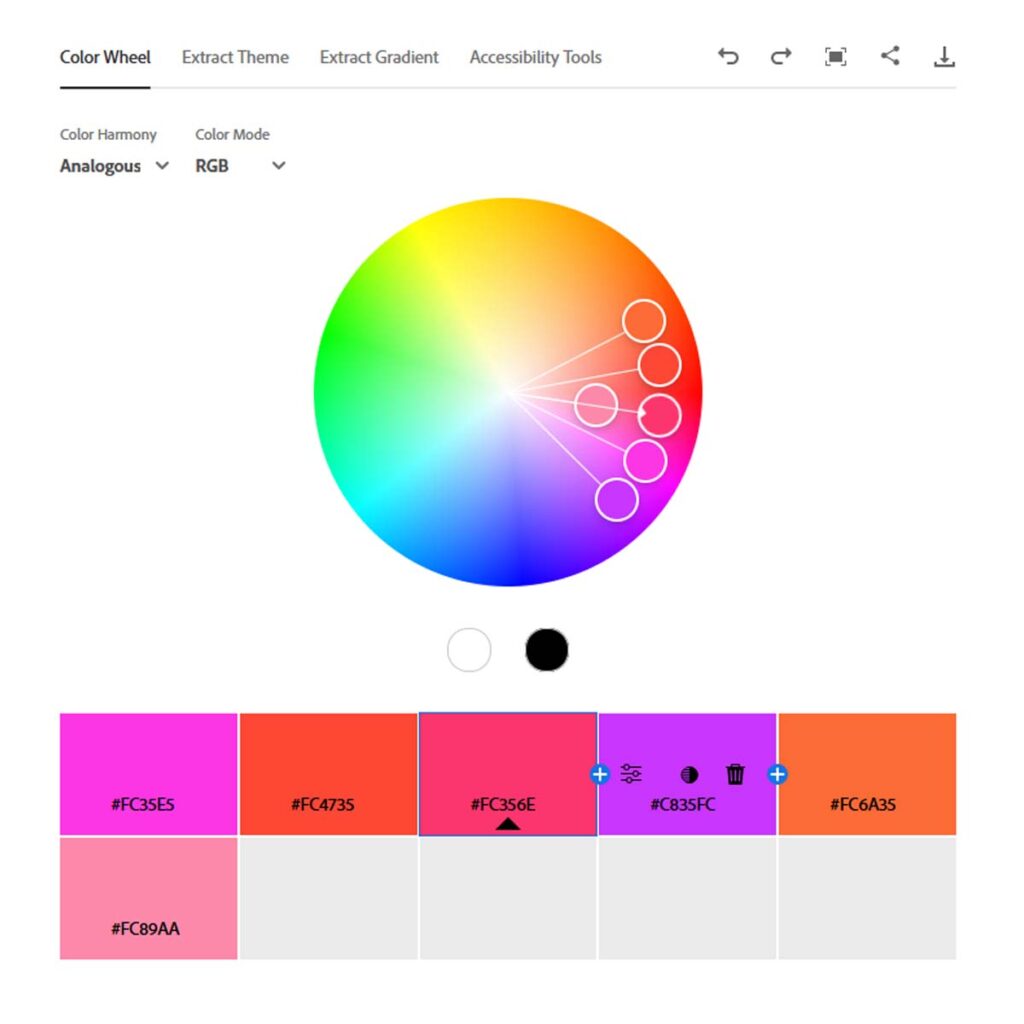
Adobe Color approaches inspiration from a slightly different direction.
Instead of starting with random palettes, you can upload photographs, artwork, or illustrations and extract the dominant colors automatically. If you’ve ever wanted to recreate the colors of a favorite fantasy painting, movie scene, or historical uniform, Adobe Color makes that remarkably easy.
It also includes accessibility tools and contrast checking, making it easier to evaluate how well colors separate from one another.
Understanding Color Relationships
Choosing attractive colors isn’t simply about finding pretty individual paints.
It’s about understanding how those colors interact.
Paletton
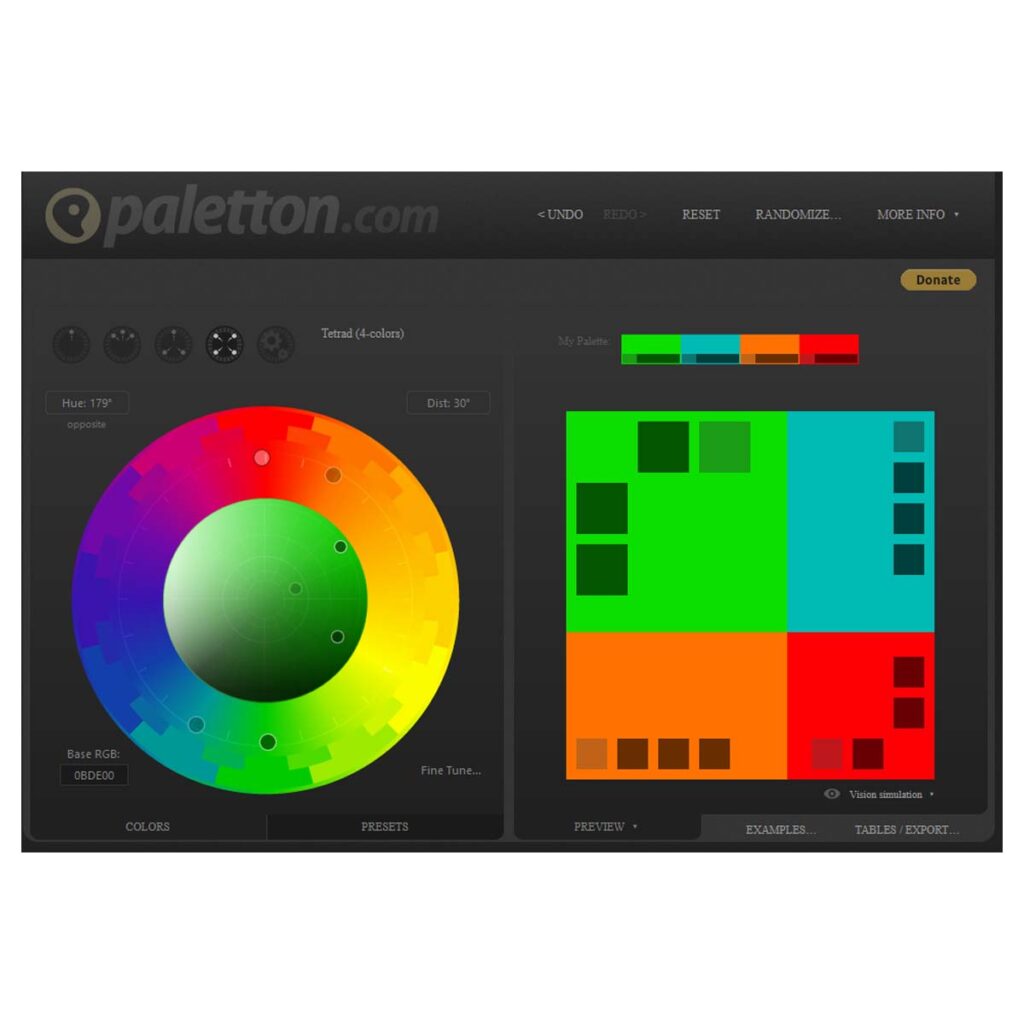
Paletton is one of the best educational tools I’ve found for learning color harmony.
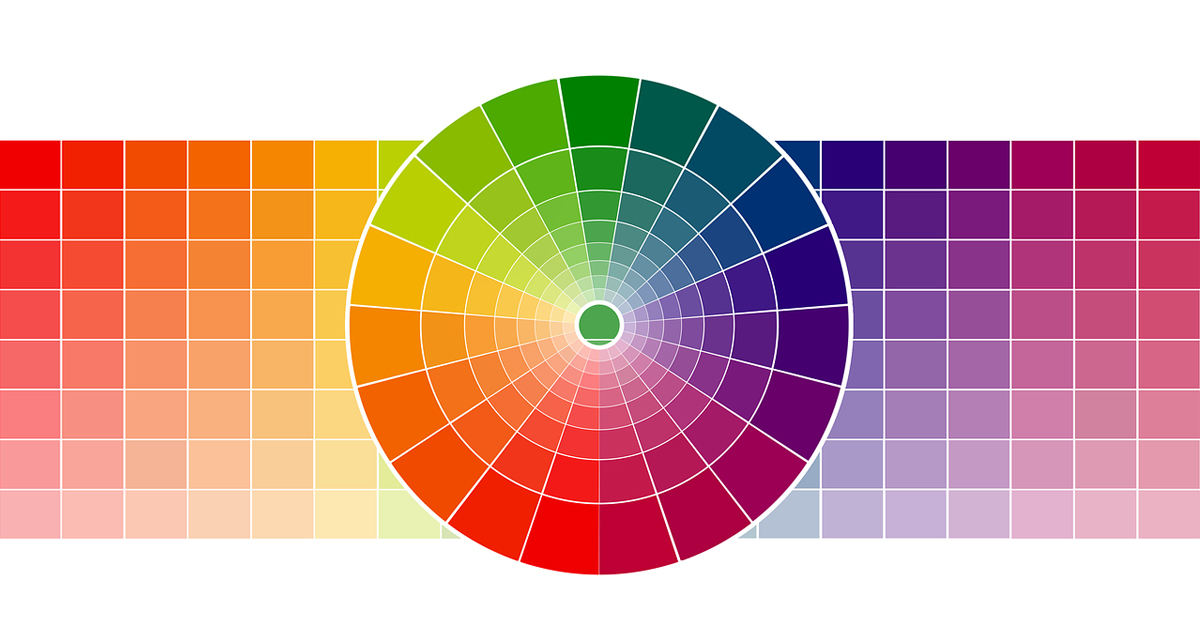
Rather than simply generating random palettes, it demonstrates how complementary, analogous, triadic, and monochromatic color schemes relate to one another.
Watching the color wheel change as you experiment helps develop an intuitive understanding of why some combinations naturally feel balanced while others create tension and contrast.
Once you begin experimenting with these relationships, you’ll start recognizing them everywhere—from professionally painted miniatures to movie posters and classic works of art.
If you’d like to explore these ideas further, be sure to read my guide to understanding color theory for miniature painting.
Tools Designed Specifically for Miniature Painters
General color tools are wonderful for inspiration, but sometimes it’s helpful to use software built specifically around miniature painting.
Citadel Colour App
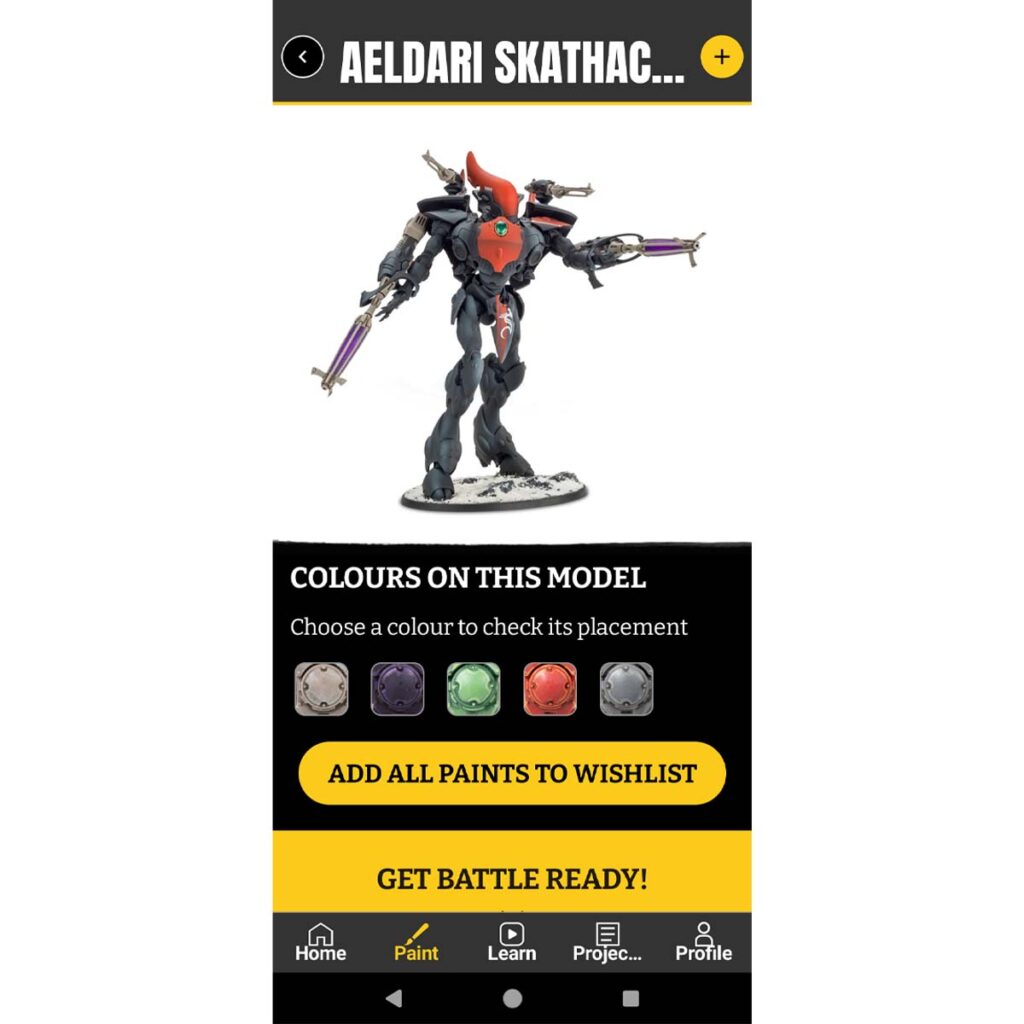
Games Workshop’s Citadel Colour app has become an excellent companion for painters using the Citadel paint range.
Rather than asking you to invent recipes from scratch, the app suggests base colors, shades, layers, and highlights for hundreds of different miniatures.
Even if you don’t follow every recommendation exactly, it’s a fantastic learning resource for understanding how experienced painters build depth and contrast using multiple layers of color.
paintRack
As your paint collection grows, another challenge quietly appears.
Remembering what you already own.
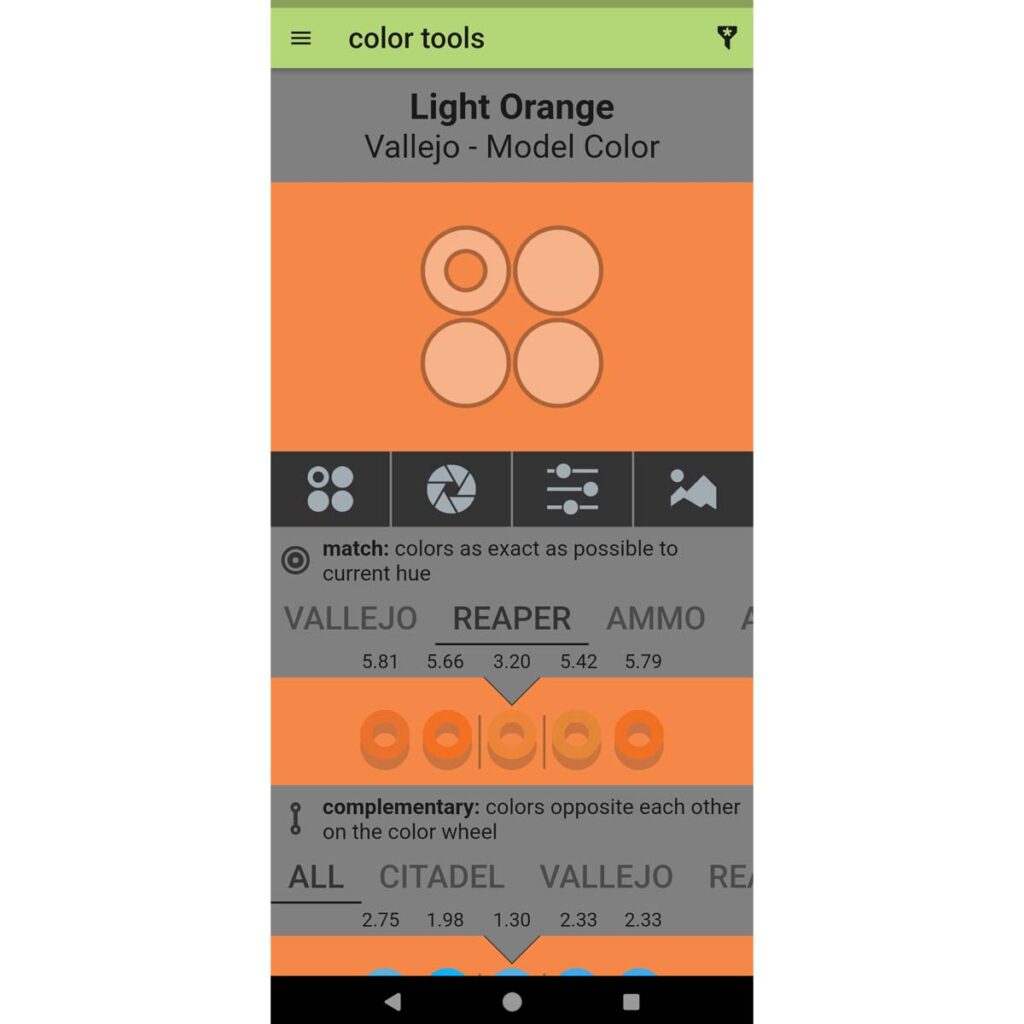
paintRack solves that problem beautifully by allowing you to catalog your entire paint collection across multiple manufacturers.
Whether you paint with Citadel, Vallejo, Army Painter, AK Interactive, Two Thin Coats, or several different brands at once, paintRack keeps everything organized in one place while also suggesting close color matches between manufacturers.
I’ve learned that seeing my entire collection often inspires color schemes I might otherwise overlook.
It’s also a great way to avoid accidentally buying duplicate paints.
As your collection expands, you’ll probably also appreciate having a dedicated system for organizing your miniature paints, making it easier to browse your colors and find inspiration every time you sit down to paint.
No App Replaces Experience
Every one of these tools can help you choose better colors.
None of them can tell you exactly what your miniature should look like.
Some of my favorite paint schemes began as complete accidents. A color I mixed on the wet palette. A highlight that ended up brighter than planned. A complementary color suggested by a happy mistake.
The more miniatures you paint, the more confidence you’ll gain in trusting your own instincts.
Eventually, these tools become less about finding answers and more about exploring possibilities.
Final Thoughts
Learning color is a lifelong journey.
Fortunately, every miniature teaches something new.
Sometimes it’s discovering a color combination that works beautifully. Sometimes it’s realizing one that doesn’t. Both experiences make you a better painter.
Use these tools as sources of inspiration, not rules.
Experiment often.
Trust your eyes.
And don’t be afraid to paint something unexpected.
Continue Your Painting Journey
Understanding Color Theory for Miniature Painting
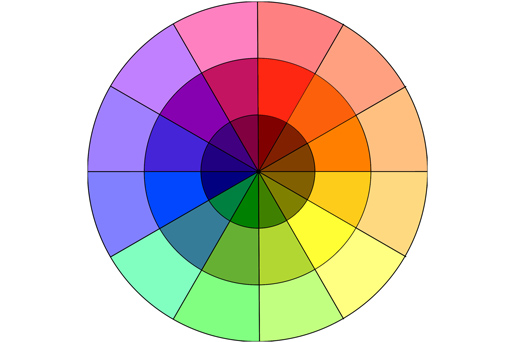
Color wheels and palette generators become much more useful once you understand the principles behind them. Learn how complementary, analogous, and triadic color schemes can improve your miniature painting.
Choosing the Right Colors for Your Miniatures
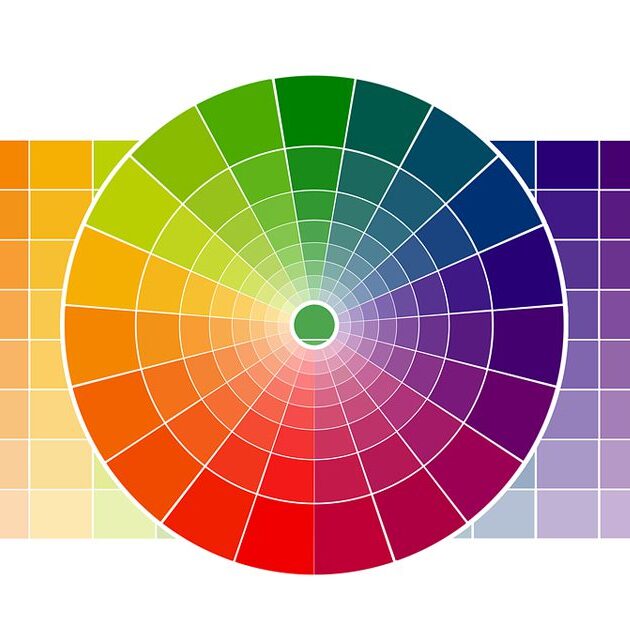
Putting color theory into practice is where the real fun begins. Explore practical techniques for selecting paint schemes that feel balanced, interesting, and uniquely your own.